Skip to the content

Decoding Genie Scissor Lift Error Codes: The Ultimate Troubleshooting Guide for GS-Series Models
For owners and operators of the Genie GS-series scissor lifts, including the industry-standard GS-1930, GS-1932, and high-capacity GS-2632/GS-3232, uptime is everything. While Genie lifts are engineered for an "unrestricted" design life through proper maintenance, technical hiccups are inevitable. When your machine stops mid-operation and starts flashing alphanumeric characters on the display, you aren't looking at a random glitch—you're looking at a Diagnostic Trouble Code (DTC) or an Operational Indicator Code (OIC).
This blog is designed to help you decode these messages using official Genie SmartLink™ Diagnostic System (GSDS) data, saving you from expensive service calls and unnecessary downtime.
Understanding the Genie SmartLink™ System
Modern Genie lifts utilize the SmartLink™ system, which communicates through two control modules: the GCON (Ground Controls) and the PCON (Platform Controls). These systems monitor everything from battery voltage to hydraulic coil resistance.
When a problem occurs, the machine provides feedback in two ways:
-
Operational Indicator Codes (OIC): These indicate the machine's current status. They are usually not "faults" but rather safety-related restrictions (e.g., the machine is off-level).
-
Diagnostic Trouble Codes (DTC): These represent actual component or circuit malfunctions.
Section 1: Common Operational Indicator Codes (OIC)
If your lift stops moving but you don't see a "fault" message, check the PCON LED for these common status codes:
Code: LL (Off-Level)
The most frequent code operators encounter. It means the Level Sensor has detected the chassis is on a slope exceeding its safety limit.
The Solution: Lower the platform to the stowed position and move the machine to a firm, level surface.
Code: OL (Platform Overload)
The Platform Overload Transducer has sensed weight exceeding the machine's rated capacity.
The Solution: Remove the excess load from the platform. If the code persists after the weight is removed, a Full Load Calibration may be required by a trained technician.
Code: CH (Chassis Mode)
This appears when the key switch is turned to ground controls. It indicates the machine is being operated from the base rather than the platform.
Code: Ld (Lifting Disabled)
This is specific to models like the GS-3232 with outriggers. It occurs if the outriggers are not fully deployed, or if the machine has lost contact with the ground.
The Solution: Ensure outriggers are properly leveled and all four feet are firmly on the ground.
Section 2: Decoding Diagnostic Trouble Codes (DTC)
DTCs are categorized by a letter prefix that tells you exactly which system is failing.
Type "HXXX" – Hydraulic Faults
These codes identify malfunctions in the solenoid-controlled hydraulic valves or the motor controller.
-
H001: Short circuit in the Platform Up circuit to battery negative.
-
H002: Open circuit in the Platform Up circuit (likely a broken wire or disconnected harness).
-
H013/H019: Short circuit in the Drive Forward or Drive Reverse circuits.
-
H027/H030: Faults in the Steer Right or Steer Left coils.
Type "PXXX" – Power & Device Faults
These codes involve devices like horns, alarms, and the main contactor.
-
P004/P005: Issues with the Automotive Horn circuit.
-
P028: Contactor Stuck Closed. This is a serious power fault where the main battery contactor fails to open.
-
P037: Battery Out of Range. This usually means your batteries are too low to operate or there is a bad connection in the voltage sensor circuit.
Type "UXXX" – User Interface Faults
These codes generally point toward the switches and joystick.
-
U033: Joystick Out of Calibration. This often happens if the joystick is not in the neutral position when the machine is turned on.
-
U037: Foot Switch Pressed. The machine detected the foot switch was active during startup.
Type "FXXX" – Feedback Faults
These involve sensors like limit switches and height sensors.
-
F003: Down Limit Switch fault. The machine cannot confirm if the platform is fully lowered.
-
F005: Pothole Limit Switch fault. The safety "pothole guards" failed to deploy.
Type "CXXX" – Control Module Faults
These are internal communication errors within the GCON or PCON ECMs.
-
C021: PCON Not Detected. This indicates a CAN communication failure between the platform and the ground.
-
C028: Service Override Mode On. This means someone has engaged the maintenance bypass mode.
Section 3: Battery Charger Error Codes
If your lift isn't charging, look at the Remote Charger Status Indicator. The charger uses "F" for internal faults and "E" for external errors.
-
E-0-0-1: High Battery Voltage. The charger detected a voltage too high for the selected profile.
-
E-0-0-4: Defective Battery. The charger tried to "trickle charge" the batteries but they failed to reach a minimum voltage.
-
E-0-1-2: Reverse Polarity. The batteries are connected backwards.
-
E-0-2-3: High AC Voltage. The wall power (AC) is higher than 270V.
Section 4: Pro-Level Troubleshooting Steps
Before replacing expensive parts, follow the Fault Inspection Procedure outlined in the service manual:
-
Check Device Resistance: Disconnect the faulted component and use a multimeter to check its resistance. For example, a Steer Solenoid Valve should typically read 19 Ω, while a Drive Solenoid should be 27.2 Ω.
-
Check Harness Continuity: Disconnect the GCON ECM and check for continuity (0 Ω) between the ECM connector and the device.
-
Check for Shorts to Ground: Measure resistance between the ground pin (J1-7) and the faulted circuit pin. It should be greater than 5k Ω.
-
Software Updates: Sometimes a "fault" is simply outdated software. You can connect a PC to the Diagnostic Port via a CAT5 cable to update the machine's firmware using the SmartLink™ Web Service Tool.
Conclusion: Get Back to Work Faster
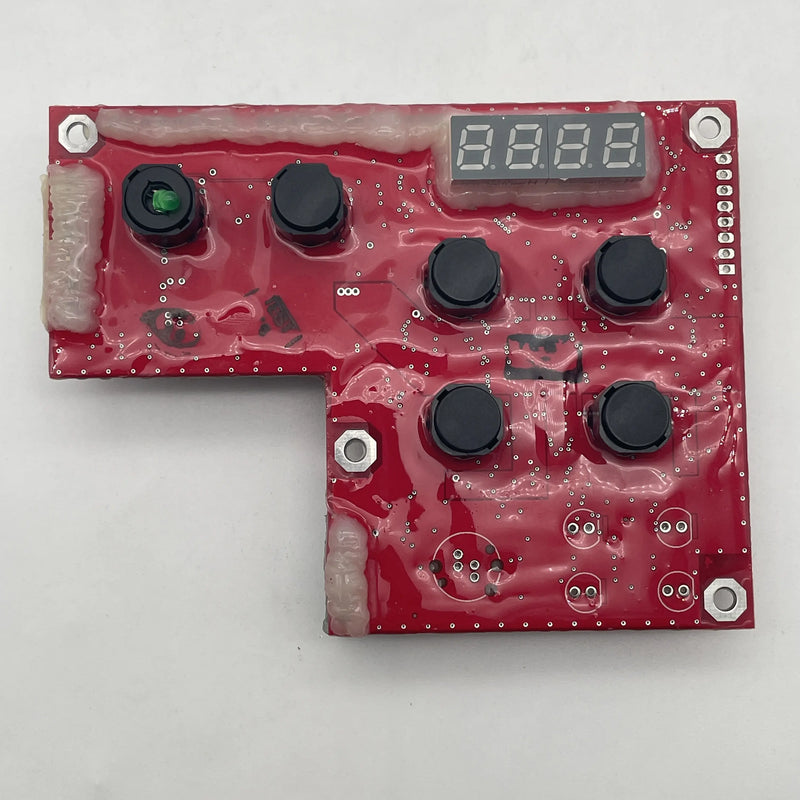
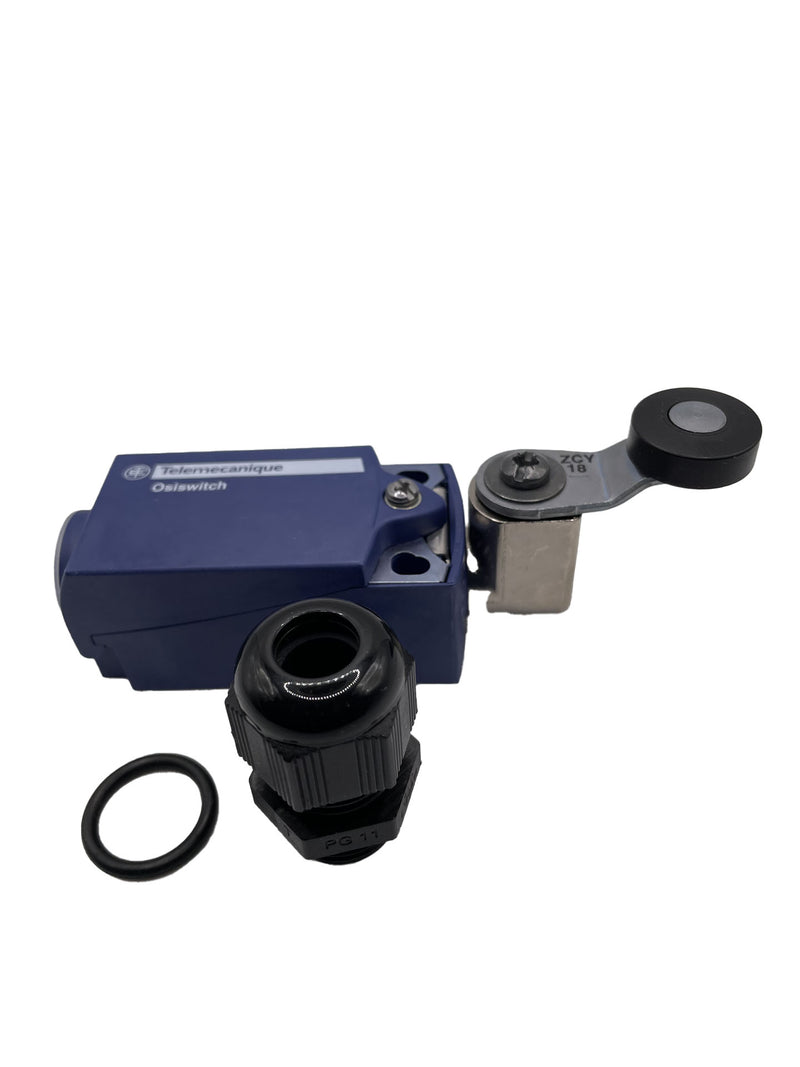
Understanding your Genie scissor lift error codes is the difference between a five-minute fix and a five-day delay. Whether you need a new 137522GT PCON Circuit Board to clear a CXXX fault or a replacement 96948GT Limit Switch for an FXXX error, having the right parts and knowledge is key.
Are you seeing a code not listed here? Always consult the Service and Repair Manual specific to your serial number, as internal components and wiring schematics can vary by manufacture date.
For all your Genie replacement parts—from joystick boots to full control modules—shop Reliable Equipment Parys today!