Skip to the content

Operating high-performance aerial work platforms like the Genie S-60, S-65, S-60 XC, and S-65 XC requires more than just expert driving skills; it demands a technical understanding of the machine's complex electronic and hydraulic "brain." When a malfunction occurs, these machines communicate through a series of error codes and indicator lights designed to protect both the operator and the structural integrity of the boom lift.
To help you minimize downtime and get your equipment back into service, we've compiled this guide to the control systems, diagnostic tools, and common hardware solutions identified in the official parts documentation for these models.
Navigating the Genie Diagnostic System
The first step in any repair is identifying the nature of the fault. Genie S-60 and S-65 models are equipped with a Machine Malfunction Indicator (Part No. 824879GT), a red LED located on the control panels that illuminates when the system detects a discrepancy in operation.
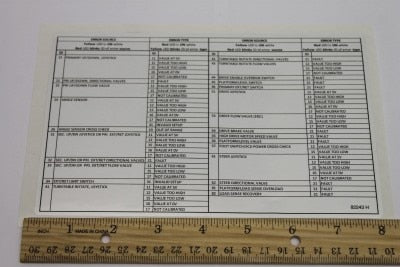
For more granular data, most units feature a physical Fault Code Decal (Part No. 82243GT). This decal is a critical reference tool that explains the flash patterns or numeric codes displayed on the ground control LCD. If your machine's decal is weathered or missing, replacing it is a vital safety and maintenance priority to ensure operators can quickly interpret system warnings.
Reading the ALC500 and ALC600 Controllers
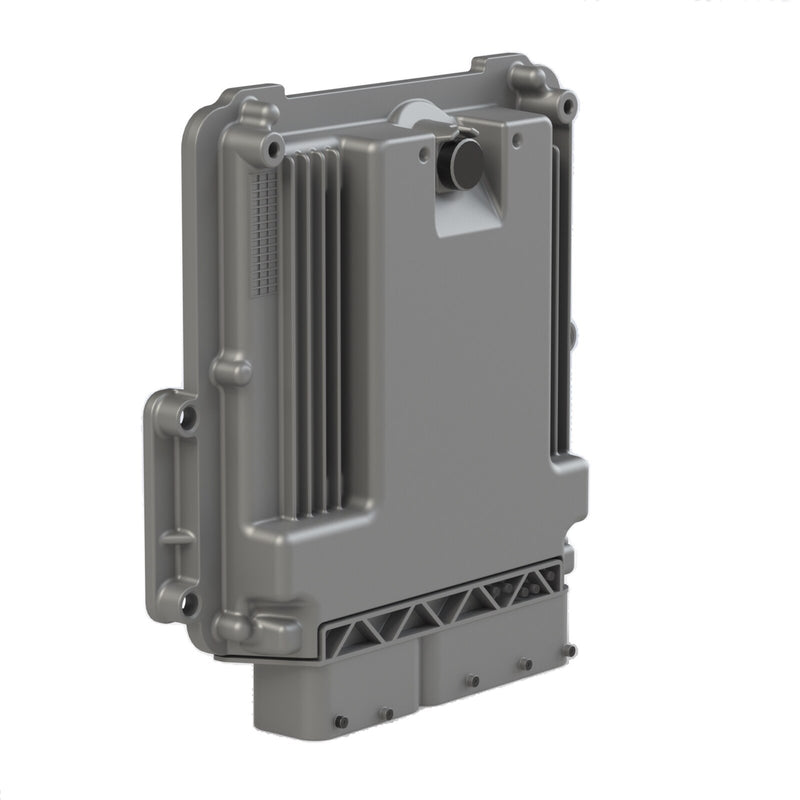
Modern Genie booms utilize sophisticated control modules to manage drive and boom functions. Depending on your serial number, your machine may use the ALC500 series PCB (Part No. 235411GT or 235323GT) or the newer ALC600 system.
These controllers are responsible for processing inputs from the joysticks and sensors. If you encounter an error code related to "system communication" or "unresponsive functions," the issue often lies within these primary boards or the Ground Control Box software. For high-capacity models like the S-60 HC, specific diagnostic software (Part No. 119607GT) is required to calibrate the system's unique load-sensing parameters.
Common Error Categories and Hardware Solutions
While numeric error codes vary by engine type and software version, they generally fall into four critical subsystems: Load Sensing, Engine Management, Joysticks/Input, and Tilt/Leveling.
1. Load Sensing and Platform Overload Errors
With the introduction of XC (Extra Capacity) models, load sensing has become a primary source of fault codes. These systems use Load Cell Flexures (Part No. 106766GT) and specialized harnesses to monitor the weight in the platform.
-
Symptoms: The Platform Overload Indicator (Part No. 824879GT) flashes, and boom functions are disabled.
-
Common Solution: Inspect the Load Sense Harness (Part No. 147031GT or 121848GT) for pin corrosion or damage. If the hardware is intact, the system may require a "Load Sense Calibration," often involving the Diagnostic Software mentioned previously.
2. Engine Management Faults (Deutz, Perkins, and Ford)
Each engine manufacturer utilized in the S-60 and S-65 series has its own dedicated Electronic Control Module (ECM). These modules trigger specific codes for oil pressure, coolant temperature, and fuel delivery.
-
Deutz D2.9 and TD2.2 L3 Models: These engines rely on the Deutz ECM (Part No. 214795GT or 1301056GT). A common "Low Oil Pressure" code is often tracked back to a faulty Low Pressure Sensor (Part No. 824673GT), which is a frequent replacement item.
-
Perkins 404F Models: Errors in these Tier 4 engines are managed by the Perkins ECM (Part No. 216065GT). Always check the Water Temperature Sensor (Part No. 97473GT) if the machine is throwing "Engine Overheat" codes.
-
Ford MSG-425 Models: If your Ford engine is stalling or showing fuel-related codes, the Control Module (Part No. 1294827GT) or the Ignition Relay (Part No. 128165GT) may be the culprit.
3. Joystick and Input Malfunctions
Faults related to "Function Unresponsive" or "Joystick Not Neutral" are frequently caused by the controllers themselves.
-
The Calibration Rule: It is critical to note that after replacing an aftermarket or OEM joystick—such as the Single Axis Rocker (Part No. 101005GT) or the Isolated 2-Axis Joystick (Part No. 1275248GT)—calibration is required. If you install a new joystick and the machine still refuses to move, it is likely because the ALC controller hasn't been taught the new joystick's voltage range.
-
Protection: To prevent moisture-related errors, ensure your Joystick Boots (Part No. 27134GT) and Boot Guards (Part No. 75143GT) are free of cracks.
4. Tilt and Leveling Errors
Safety sensors prevent the boom from extending if the chassis is at a dangerous angle.
-
Symptoms: The Tilt Alarm (Part No. 1260218GT) sounds, or the Tilt LED (Part No. 1261297GT) illuminates on the platform box.
-
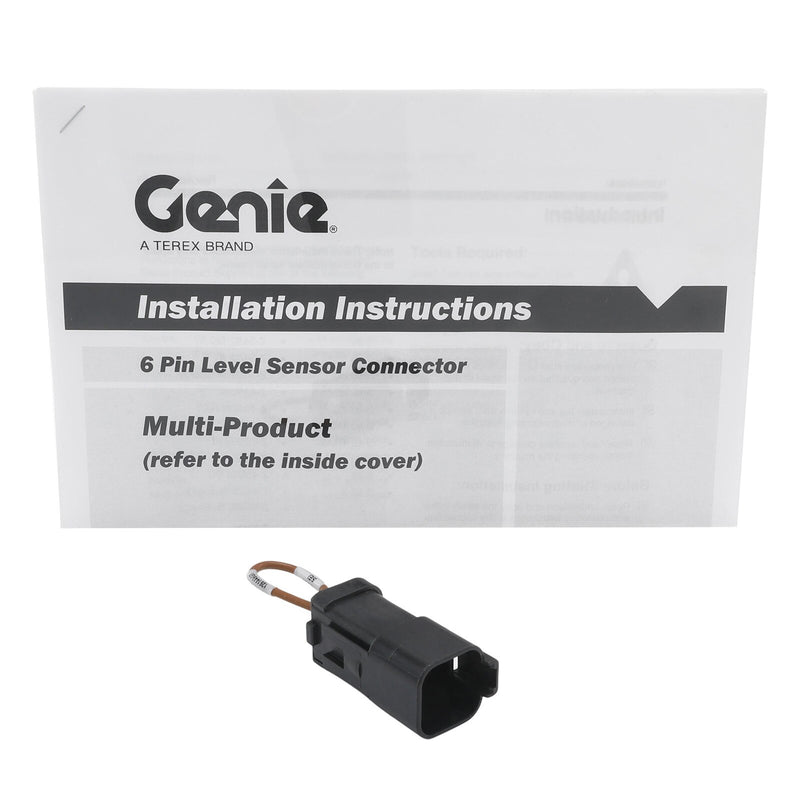
Common Solution: Check the Level Sensor Kit (Part No. 1264947GT). These sensors can fail due to vibration or moisture in the wiring harness. For machines operating in "hostile environments," ensure the Ground Box Cover (Part No. 121833GT) is properly latched to protect the internal tilt components.
Hardware Fixes: Repair Kits vs. Individual Parts
When an error code points to a mechanical failure within a hydraulic or electrical component, Genie offers several Repair Kits that are often more cost-effective than replacing entire assemblies.
-
Wire Harness Repair: If a fault is traced to a corroded connector, you don't always need a whole new harness. The Deutsch Plug Repair Kits (Part No. 58253GT or 83129GT) allow you to replace individual pins and sockets, which are common points of failure in the PCON (Platform Control) and GBOX (Ground Box) connections.
-
Hydraulic Pump Seals: If a "Low Function Pressure" error occurs, it may be due to internal leaking in the pumps. Rather than buying a new Eaton Piston Pump (Part No. 77788GT), you can utilize the Pump Shaft Seal Kit (Part No. 107842GT), which includes all necessary spacers and snap rings.
-
Swing Drive Rebuilds: Errors during turntable rotation can sometimes be resolved using the Swing Brake Rebuild Kit (Part No. 139314GT) or the Friction Disc Kit (Part No. 139311GT).
Proactive Maintenance to Prevent Error Codes
The best solution for error codes is preventing them before they happen. Regular replacement of high-wear items ensures sensors receive clean signals and actuators move smoothly.
-
Filter Integrity: Contaminated oil can trigger "Differential Sensing" faults in the function manifold. Regularly replace your Hydraulic Beta Filters (Part No. 60857GT) and Return Filters (Part No. 88917GT).
-
Belt Tension: Slipping belts can cause "Alternator Output" errors. Ensure the V-Belts (Part No. 58630GT) on Deutz models and the Fan Drive Belts (Part No. 215274GT) on Ford models are inspected every 250 hours.
-
Electrical Connections: Keep Battery Cables (Part No. 88801GT and 88802GT). clean. Corrosion at the battery terminals is a leading cause of "Low Voltage" codes that can scramble the machine's ECM.
Conclusion
A Genie S-60 or S-65 error code doesn't have to mean a week of downtime. By referencing your Fault Code Decal (82243GT), understanding your ALC500/600 controller, and having the right Sensor and Seal Kits on hand, you can perform professional-grade troubleshooting in the field.
Looking for replacement parts to clear your latest fault code? Reliable Equipment Parts stocks a complete inventory of Genie-compatible sensors, joysticks, ECMs, and service kits. Browse by part number or machine serial number today to find exactly what you need to keep your boom lift running safely and efficiently!